

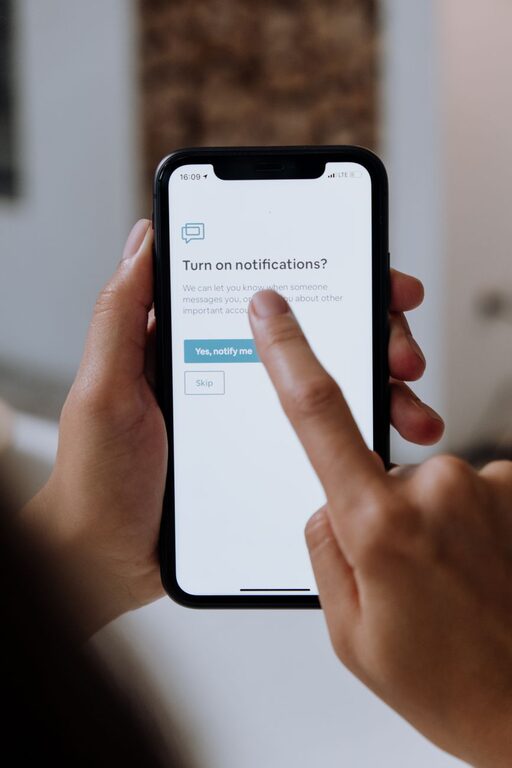
In today’s connected world, notifications are everywhere—popping up on our phones, computers, and tablets. While they keep us informed, they can also interrupt our focus, increase stress, and reduce our productivity if left unchecked. Setting boundaries with notifications is essential for maintaining control over your time and attention.
In this post, we’ll explore practical strategies to manage notifications effectively, helping you stay focused, reduce distractions, and improve your overall well-being.
Why Setting Boundaries with Notifications Matters
Notifications serve a useful purpose by alerting us to important messages, reminders, or updates. However, constant interruptions can fragment your attention, making it difficult to complete tasks or enjoy downtime. Over time, this can lead to burnout, anxiety, and reduced work-life balance.
By setting clear boundaries, you regain control over when and how you receive notifications, enabling you to be more intentional with your time and energy.
Step 1: Audit Your Notifications
Before making changes, start by reviewing the types of notifications you currently receive:
– Open your smartphone settings and check which apps have permission to send notifications.
– Identify which notifications are essential (e.g., messaging apps, calendar alerts) versus non-essential (e.g., games, social media).
– Consider how often you receive notifications throughout the day.
This audit helps you understand where most interruptions come from and provides a starting point for adjustments.
Step 2: Customize Notification Settings
Most devices and apps allow you to tailor notification preferences. Here’s how to make the most of those options:
Prioritize Important Alerts
– Enable notifications only for critical apps such as email from your workplace, messaging from close contacts, or calendar reminders.
– Disable or limit notifications from apps that tend to send frequent, less important alerts (like games or promotional messages).
Use “Do Not Disturb” Mode
– Activate Do Not Disturb (DND) during focused work periods, meetings, or nighttime.
– Customize DND settings to allow calls or messages from specific contacts if needed.
– Schedule automatic DND intervals to protect regular downtime.
Adjust Notification Styles
– Switch from intrusive pop-up notifications to less distracting banners or badges.
– Turn off sound and vibration for non-urgent alerts.
– Group notifications together to review at once instead of being interrupted multiple times.
Step 3: Set Time Boundaries for Checking Notifications
Constantly checking notifications breaks concentration. To avoid this:
– Designate specific times during the day to check emails, messages, or social media.
– Avoid checking your phone first thing in the morning or right before bed.
– Use tools like app timers or focus mode apps to limit screen time.
Step 4: Create Notification-Free Zones
Establishing physical or temporal spaces without notifications can improve presence and relaxation.
– Keep your phone in another room during meals, family time, or social gatherings.
– Turn off notifications during exercise or hobbies.
– Set “quiet hours,” especially in the evenings, to unwind without interruptions.
Step 5: Communicate Your Boundaries
Let people know when you are unavailable or prefer limited communication:
– Set clear expectations with colleagues about response times.
– Use status updates in messaging apps to indicate focus time or breaks.
– Encourage family and friends to respect your notification boundaries to support your digital wellbeing.
Step 6: Use Technology Mindfully
Technology offers features to help manage notifications if used intentionally:
– Use notification summary features that group non-urgent notifications at specific times.
– Explore third-party apps designed to help filter or schedule notifications.
– Regularly revisit your notification settings to adjust as your needs evolve.
Benefits of Setting Notification Boundaries
Following these tips can lead to several positive outcomes:
– Enhanced focus and productivity by minimizing distractions
– Improved mental well-being with less stress and information overload
– Better work-life balance by protecting personal time
– Stronger relationships through more attentive presence
Final Thoughts
Setting boundaries with notifications is a vital skill in today’s digital age. It empowers you to take control of your attention, create space for meaningful work and rest, and enjoy a healthier relationship with technology.
Try implementing these tips gradually and find what works best for your lifestyle. Remember, the goal is balance—not complete disconnection—and being mindful about notifications is a powerful step in that direction.